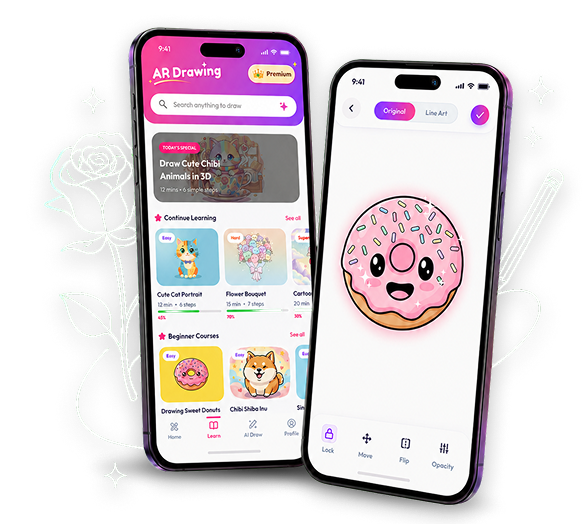
Sketch, trace, and learn with augmented reality. Place any image on any surface through your camera—and bring it to life, one confident line at a time.
Simple tools that remove the guesswork and guide your hand. Anyone can create something they are proud to share.
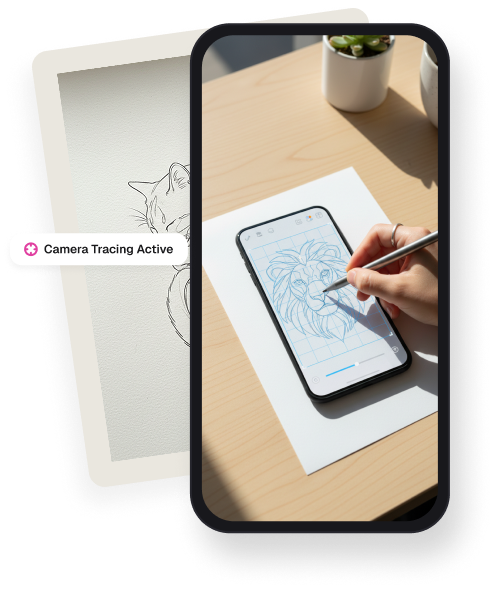
Draw on paper with AR
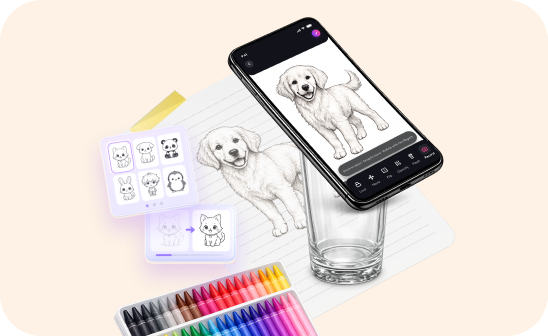
Choose a template, point your camera at the page, and trace the projected guide with precision.
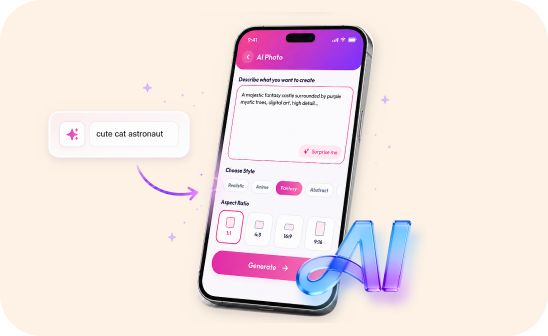
Create sketches with AI
Type what you imagine. AI turns your idea into a clean, trace-ready sketch matched to your level.
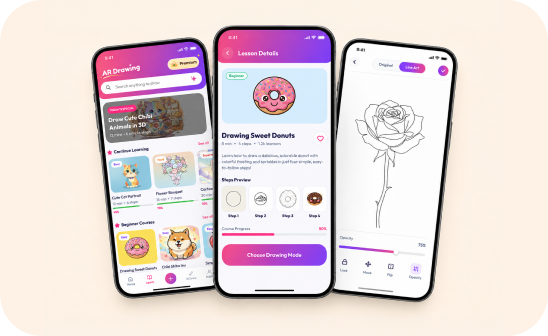
Learn step by step
Build real skills with 200+ guided lessons, from basic shapes to portraits and detailed illustrations.
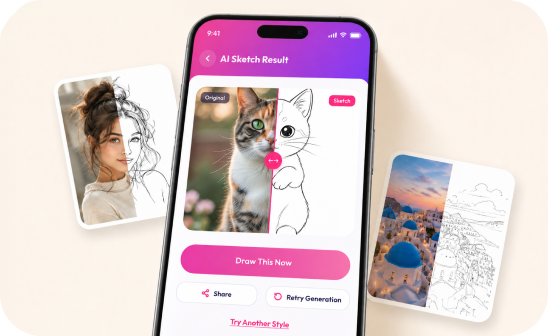
Turn any photo into a drawing
Upload yourself, your friends, pets, or favorite places. Convert the photo into line art and trace it your way.
How It Works
Three steps. Endless creations.
No special equipment needed. Just your phone, a piece of paper, and an idea.
01
Position canvasProp your phone on a glass, stand, or stack of books. Point your camera down towards your blank paper surface.
02
Choose template & adjustSelect a stencil outline from our creative catalog. Use camera controls to align the layout opacity correctly.
03
Trace and detailsLook through the camera screen guidance and guide your pen safely on paper. Trace and bring it to real life.
"After 36 minutes and 10 seconds, I made a masterpiece. The app is amazing!"
Alisha VanceHobbyist Illustrator
Got questions?
Frequently Asked.
Not at all! You can easily balance your smartphone over a glass container, clamp it to a simple desk organizer, or position it over any elevated ledge pointing straight down.
Yes. Import any photo from your library and Arteasy converts it into clean line art you can project onto paper and trace.
Arteasy runs on iPad and Android tablets. The AR tracing view adapts to the larger screen, and lessons stay in sync across your devices.
your next drawing starts here
See it. Trace it. Create it.
Transform everyday inspiration into artwork you can hold.
 Arteasy